
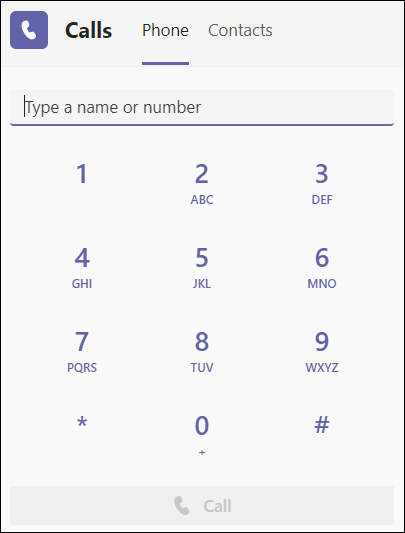
he dial pad can be used like a typical phone to make a call to a phone number. (You can also type in names or groups.)
To dial a number from Teams, go to Calls  , and then enter the number of the person you want to reach by using the dial pad located on the left. Then click Call .
To call a person by name, type the name of a person into the dial pad. And to make group calls, enter multiple names and/or numbers, and click Call .
To access your dial pad during a call, go to your call controls and select Dial pad  .
.
Comments
Please sign in to leave a comment.