
You can make one-on-one or group calls with anyone in your organization directly from a chat without having to host a team meeting. These calls are private and won't appear in any team conversation. Entries for the calls will appear in your chat, though.
-
Go to your chat list, and click New chat
 to start a new conversation.
 -
Type the name or names into the To field at the top of your new chat.
-
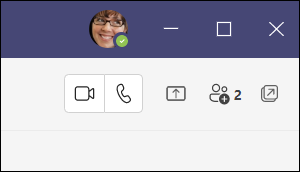
Select Video call
 or Audio call
  to start a call.
Up to 20 people can be on the same video call.
Note: If a group chat includes more than 20 people, calling buttons will be disabled.
If you're not currently in a chat with the person you want to call, you can start a new call from a command. Go to the command box at the top of your screen and type /call, then type or select the name of the person you want to reach.
You can also start a one-on-one call from someone's profile card. Open it by clicking their picture in a channel or from a search.
Comments
Please sign in to leave a comment.